Student Information System (SIS): What a School Really Needs
In this article 16 sections
- 1.What a Student Information System Is, in Plain Terms
- 2.The Questions Your School Answers Every Week
- 3.What a School Really Needs From an SIS, and What Can Wait
- 4.Getting Names and Dates Right the First Time
- 5.Information for Guardians Without the Extra Phone Calls
- 6.Information for the Head Teacher and the Committee
- 7.Official Records: EIIN, Institution Details and Board Results
- 8.Student Information System Software: Hosted Service or Your Own Copy
- 9.Privacy and Access to Children's Data
- 10.Keeping the Information Clean: A Monthly Routine
- 11.Starting a New Academic Year in the System
- 12.Rolling Out the SIS to Staff and Families
- 13.Choosing Among SIS Systems for Schools: Questions to Ask
- 14.Budgeting for a Student Information System
- 15.How Nexteio Can Help With Your Student Information System
- 16.Frequently asked questions
A student information system is where a school keeps the facts it needs to answer questions about its students: who is enrolled, in which class, how to reach the guardian, what has been paid, and what each child scored. When that information sits in one trusted place, the office stops searching and starts answering.
The term sounds technical, and vendors stretch it to cover almost anything. Some sell a full school ERP under the name. Others call a simple online register an SIS. For a head teacher or a managing committee in Bangladesh, the label matters less than one practical test: can the system answer the questions your school is asked every week, quickly and correctly?
This guide starts from those questions, not from a feature list. It explains what a school really needs from an SIS, what can wait, how to keep the information accurate, how guardians and the committee should see it, and how to choose between products. Along the way, it shows where our own School Management Software fits and where it does not.
What a Student Information System Is, in Plain Terms
At its heart, a student information system is a shared, organized record of every student and the facts attached to them. Different people add to it: the office at admission, teachers each day, the accountant each month. Different people read from it: guardians, the head teacher, the committee. The system's job is to keep one version of the truth that all of them can rely on. Our guide to a student management system shows how the daily office work builds on that same record.
School software comes under several overlapping names. This table separates them:
| Term | Main purpose | Typical contents |
|---|---|---|
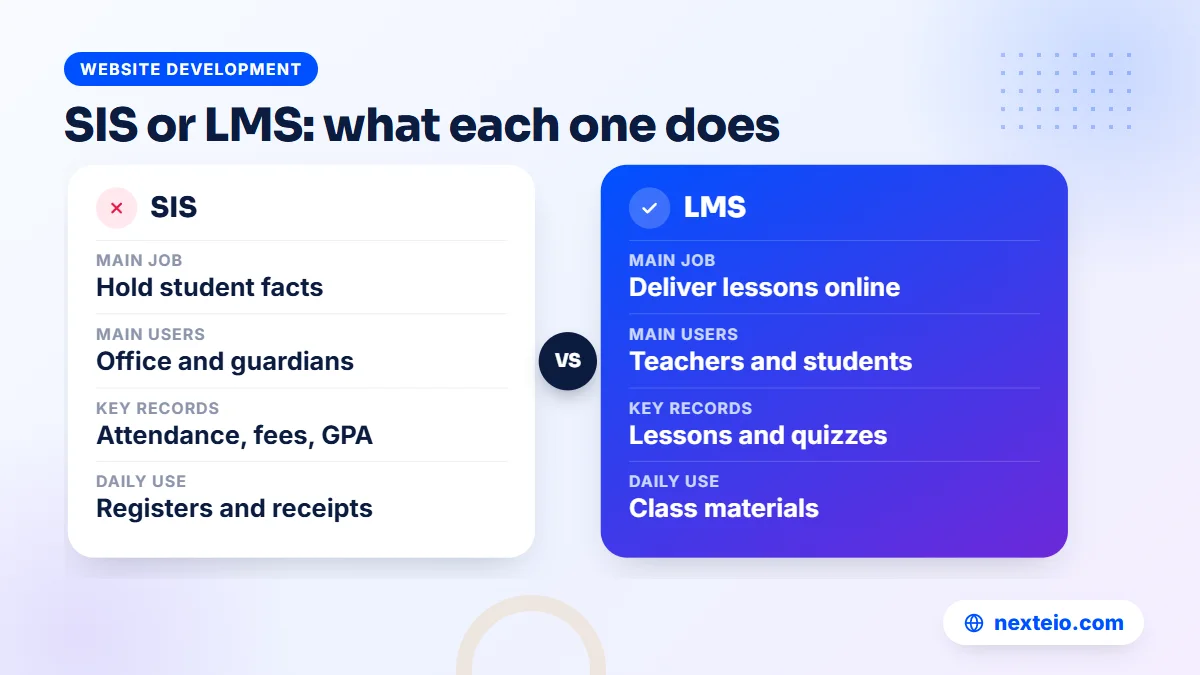
| Student information system (SIS) | Hold and share student facts | Profiles, guardians, attendance, fees, results |
| School management system | Run the school office | SIS plus routines, staff, payroll and more |
| Learning management system (LMS) | Deliver teaching online | Lessons, assignments, quizzes, class materials |
| School website | Inform the public | Notices, news, admission circulars, contact details |
In practice, most school products in Bangladesh combine the first two and include a website, because schools want one login and one vendor. Our article on school management software features looks at the wider office package, and our guide to learning management systems for schools covers online teaching tools. This guide stays with the information itself.
The Questions Your School Answers Every Week
The quickest way to see what a school needs from a student information system is to list who asks the office for information, and what they ask. Every school's list looks a little different, but the core is remarkably similar:
| Who asks | Typical question | Information needed |
|---|---|---|
| Guardian | "How much do we still owe this term?" | Bills, payments and dues for the child |
| Guardian | "Was my son in class on Tuesday?" | Daily attendance |
| Head teacher | "How many students are absent today, by class?" | Today's attendance summary |
| Class teacher | "What is this student's guardian's number?" | Guardian contacts |
| Accountant | "What did we collect yesterday, and who collected it?" | Collections by date, method and collector |
| Managing committee | "How did Class Ten do in the test exam?" | Results, tabulation, merit positions |
| Education authorities | "How many students are enrolled, by class?" | Accurate class-wise counts |
Look at the last column. Almost everything comes from five kinds of information: the student profile, guardian contacts, attendance, fees and results. A system that holds those five well answers most of the school's questions. A system that adds twenty more modules but holds those five badly will frustrate everyone.
Write your own version of this table before you look at any product. Ask the office staff, two teachers and the accountant to add the questions they hear most. That list becomes your requirements, in your school's language, and it is far more useful in a demo than a vendor's brochure.
What a School Really Needs From an SIS, and What Can Wait
Vendors often sell by the number of modules. Schools are better served by deciding what they need now, what they will need in a year or two, and what they can do without. The answer depends a lot on size.
A small kindergarten or primary school
With a few hundred students and a small office, the essentials are a clean student register, guardian contacts, daily attendance with absence SMS, monthly fee bills with receipts, and simple results. A public website with notices helps families, but complex timetabling and payroll can usually wait.
A secondary school with several hundred to a few thousand students
Here the volume changes the picture. Results now follow the national GPA rules, with fourth-subject bonuses and merit positions, and they matter for board exams later. Fee collection involves more staff and more payment methods. Class routines with teacher clash checks and staff payroll become useful, because doing them by hand takes days each term.
Schools with shifts, branches or special programs
Multiple shifts or campuses raise questions of who can see which students, and how reports combine. These schools should test role permissions carefully, and some will find that a custom build designed around their structure fits better than any ready product. Our Laravel web application service handles that kind of project, and our campus management system guide discusses the needs of larger institutions.
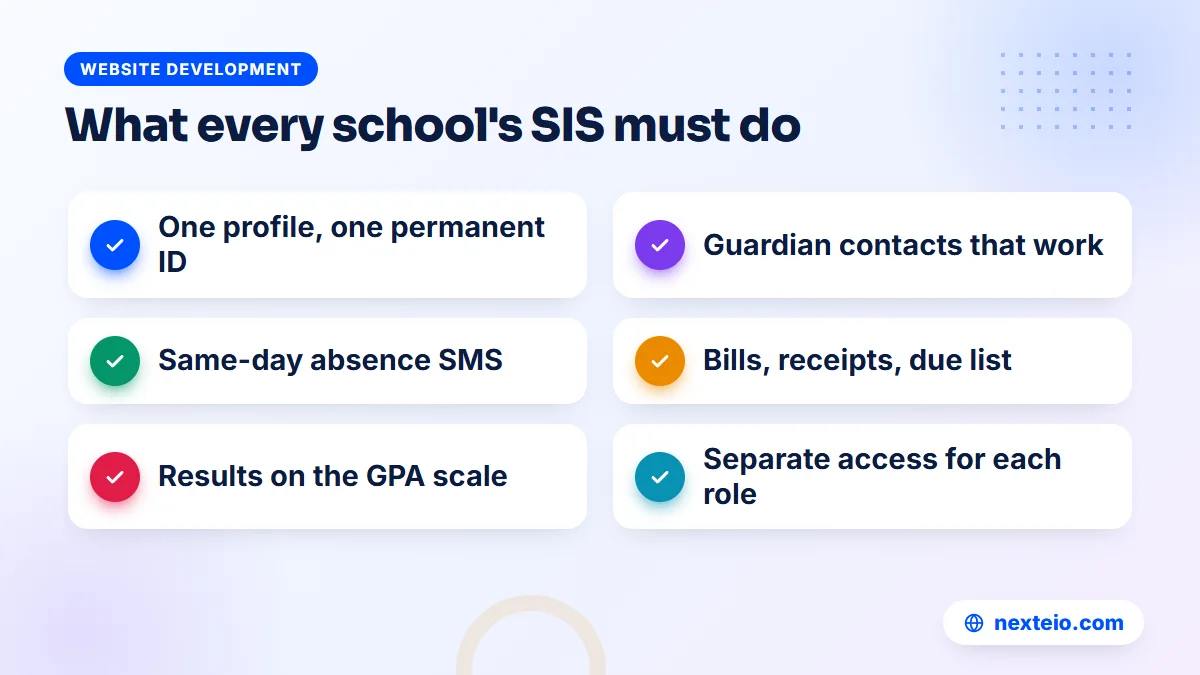
Across all sizes, a short checklist covers the essentials. If a product does these well, the rest is a bonus:
- One profile per student with a permanent ID.
- Guardian contacts that SMS and logins actually use.
- Daily attendance that informs guardians the same day.
- Fee bills, receipts and a reliable due list.
- Results on the Bangladesh GPA scale.
- Separate access for each role, including guardians.
Be honest with yourself about the "can wait" list too. Library, transport and inventory records are useful, but many schools manage them well on paper for years. Our School Management Software does not include library, transport, inventory, hostel or general accounts in its current version, so if any of these is essential for you, say so at the start.
Getting Names and Dates Right the First Time
The value of any student information management system depends on the quality of what goes into it. A wrong mobile number means absence SMS never arrives. A misspelled name ends up on ID cards, mark sheets and certificates. These errors are cheap to prevent and expensive to fix later. Most of them enter at admission, so an online admission system where guardians type their own details is a good first defense.
Names and dates of birth deserve special care. Later in a student's school life, board registration and public exam papers use these details, and they are normally expected to match the birth registration record. A name spelled one way in the school register and another way in the birth registration can cause trouble at exactly the moment a family has the least time to fix it. Correcting details after board registration usually means a formal application and a wait.
A few rules keep the core facts clean:
- Copy names from the birth registration certificate, in both Bangla and English, at admission.
- Decide who may edit core details such as name and date of birth, and keep that group small.
- Check each new record once against the original papers before the student's ID card is printed.
- Record changes, not just new values. An activity log should show who changed what and when.
Our software keeps an activity log, and its roles let the school limit who can change student details. The Bangla and English switch helps here too. The interface switches language with one click, and school content shows in Bangla where no English text has been added, so staff can work in the language they are most comfortable with.
Information for Guardians Without the Extra Phone Calls
Guardians want three things from a school: to know their child is safe and present, to know what they owe, and to know how the child is doing. Every one of those can be answered by the SIS directly, without a phone call to the office.
In our School Management Software, guardians get their own login. One parent login covers several children, so a family with a son in Class Four and a daughter in Class Eight sees both from the same account. Through it, they can see an attendance calendar, fee dues and payments, results and mark sheets, and pay fees online where the school has turned that on.
Not every guardian will log in, and that is fine. The same information also reaches families through other channels:
- SMS for absence, admission updates, payments, dues, results and other key events.
- Result search on the school website by roll or student ID, with no login needed.
- Printed mark sheets and receipts for families who prefer paper.
The aim is not to push every guardian onto a screen. It is to make sure the answer to "how is my child doing" exists in one place and reaches families in whatever form suits them.
Related guides for school decision-makers: educational website design for schools, when an organization needs its own software and how web applications are built.
Information for the Head Teacher and the Committee
Leadership needs a different view of the same information: summaries rather than individual records. How many students are present today? How much was collected this month, and how much is still due? How did each class do in the last exam?
Some products sell a separate reports module with dozens of charts. In practice, a head teacher uses a handful of views again and again. Our software provides these as built-in lists rather than a separate reports module:
- Daily and monthly attendance views.
- A collection report by date, payment method and collector.
- A due list showing who owes what.
- Tabulation sheets and merit positions after each exam.
For a managing committee meeting, these lists are usually enough to build a one-page summary: enrollment by class, attendance trend, collections against bills, and exam results. If your committee expects detailed custom reports, ask any vendor to show the exact report on screen during the demo, and get a written answer if it does not exist yet.
One simple habit helps: agree on the summary format once and use it every month. When the committee sees the same few numbers in the same order, changes stand out and discussions get shorter.
Official Records: EIIN, Institution Details and Board Results
A school's information is not only about students. Families, inspectors and other institutions also look for the school's own official details. Recognized educational institutions in Bangladesh are identified by an EIIN, issued by BANBEIS, which also collects education statistics from institutions. Accurate enrollment numbers in your system make those returns easier to prepare.
The public side of a good SIS should show institution details clearly. The website included with our School Management Software has pages for the EIIN, board, MPO code and managing committee, recognition letters, classes and subjects, board results by year, a downloadable prospectus and emergency numbers such as 999. Guardians comparing schools during admission season often look for exactly these pages.
Official notices belong in the same place. Schools regularly receive circulars from the Directorate of Secondary and Higher Education and the education boards on admissions, exams and holidays. Posting the parts that affect families on the school's notices page, with a short plain summary, saves the office from answering the same question many times over.
If you already have a separate school website and only want the information system, consider how the two will connect. Two sites with different notices confuse families, so one combined site and dashboard is usually simpler. If you prefer a separate public site, a WordPress website or a custom-designed school website can link to the system, as long as someone keeps both up to date and both sit on the school's own domain.
Student Information System Software: Hosted Service or Your Own Copy
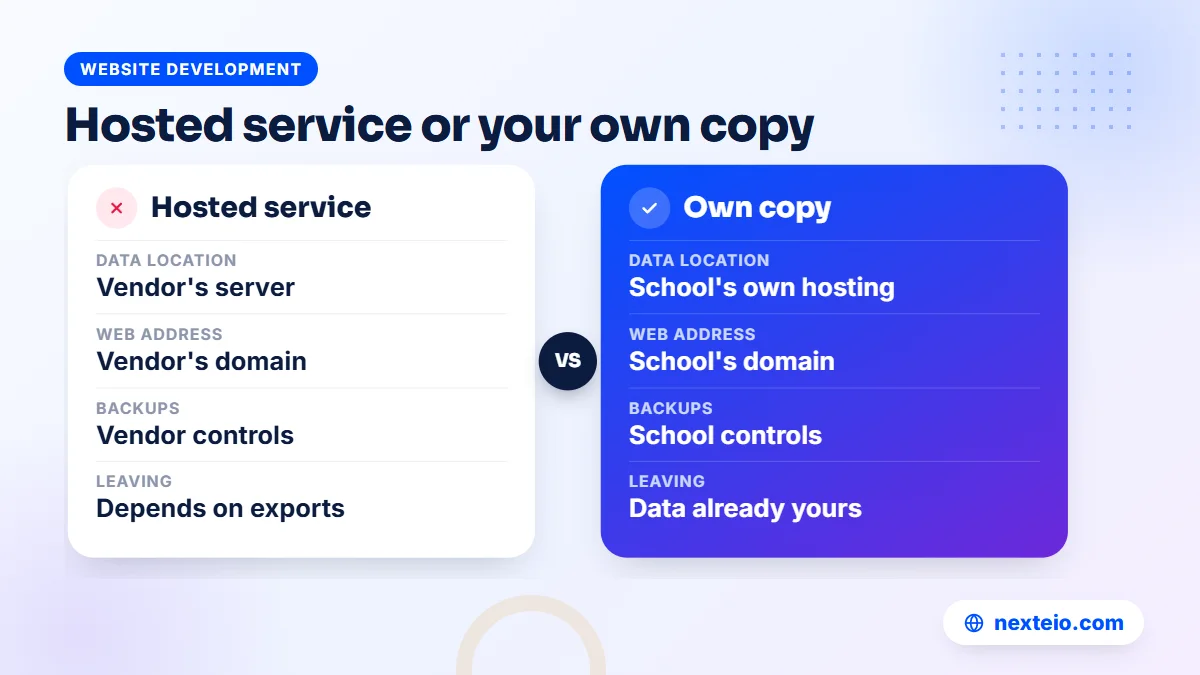
Student information system software is offered in two main ways. In a hosted service, the vendor runs one big system, and each school gets an account on it. In the own-copy model, each school gets its own installation on its own domain and hosting.
| Point | Hosted service | Own copy |
|---|---|---|
| Where data lives | Vendor's server, shared with other schools | The school's own hosting |
| Who controls backups | The vendor | The school, with the provider's help |
| Web address | Often the vendor's domain | The school's own domain |
| Leaving the vendor | Depends on export options | Data is already on your server |
| Running costs | Usually a subscription | Hosting and domain, plus the software |
Both models can work well. The hosted model asks less of the school technically. The own-copy model gives the school more control over its data and its address, which matters once you think about who holds the records of hundreds of children.
Our School Management Software follows the own-copy model. Each school's copy runs on its own domain and hosting with its own name, logo and colors, and Nexteio has no access to the school's data. It is a Laravel 12 application, the same kind of web application our Laravel web app service covers, and it runs on normal cPanel hosting with Composer and one cron job. The license is locked to the school's domain, and backups run every night to the server and to the school's own Google Drive.
Privacy and Access to Children's Data
An SIS holds some of the most sensitive information a school has: children's names, photos, birth dates, home addresses, family phone numbers and results. Treat access to it the way you treat the key to the office safe.
The first protection is role-based access. Each person should see only what their job needs. In our software, built-in roles cover Super Admin, Admin, Principal, Accountant, Receptionist, Teacher, Parent and Student, and permissions can be edited or new roles added. Hidden pages cannot be opened by typing the address, which closes a gap common in poorly built systems.
The second protection is good habits, because software cannot fix a shared password:
- Give every staff member a personal login and never share one office account.
- Remove logins on the day a staff member leaves.
- Use strong passwords, since two-factor login is not part of our current version.
- Keep exported student lists off personal phones and group chats.
- Decide how long to keep records of students who have left, and who may see them.
Take the same care with what appears in public. Photo albums, merit lists and event pages on the school website are visible to anyone. Publishing a child's name with a photo and class is common practice for prize-giving and results, but avoid putting home addresses, guardian phone numbers or birth dates on public pages, and remove a photo promptly if a family asks.
For schools that want to understand the common technical risks behind web applications, the OWASP Top Ten is a widely used public reference. You do not need to read it in depth, but a vendor should be comfortable discussing it.
Keeping the Information Clean: A Monthly Routine
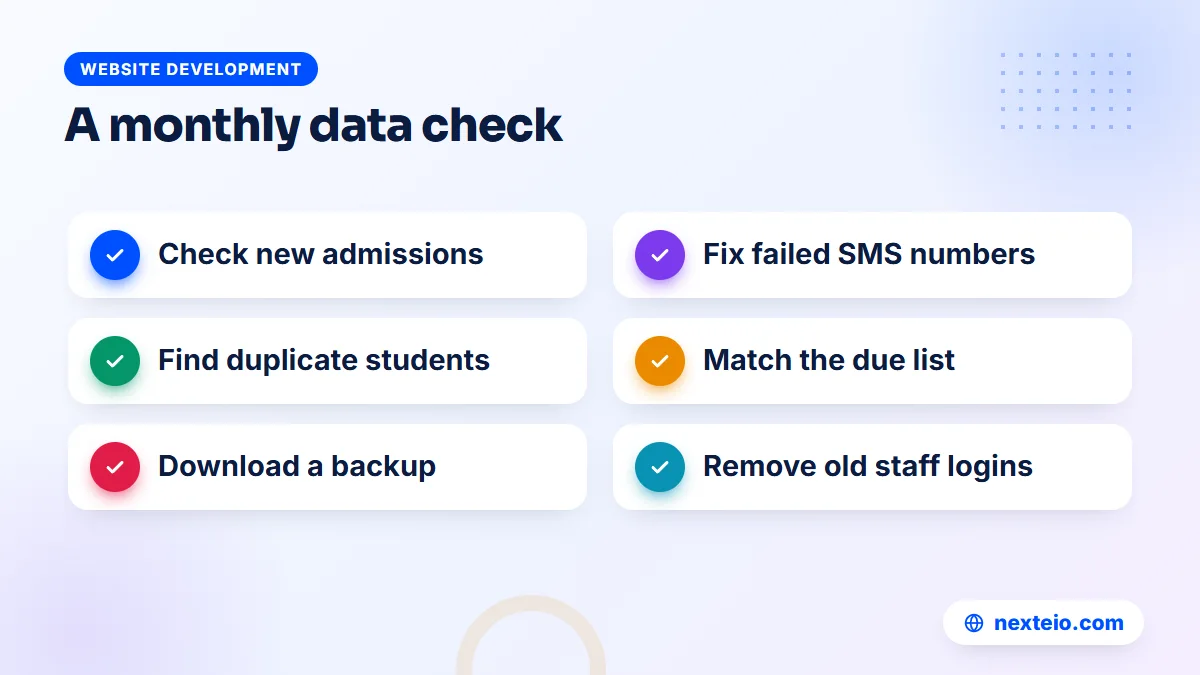
Even a well-built system drifts if nobody looks after the data. Guardians change mobile numbers, students leave without notice, and duplicate records appear when a child is admitted twice by mistake. A short monthly routine, run by one named person in the office, keeps things accurate:
- Review new admissions and check each record against the original papers.
- Follow up on guardians whose SMS failed and update their numbers.
- Look for duplicate students with the same name, date of birth and guardian.
- Compare the due list with the accountant's own notes and resolve differences.
- Download a manual backup and store it safely off the server.
- Check the user list and remove anyone who no longer works at the school.
This takes an hour or two a month. It is the difference between a system staff trust and one they quietly work around with private spreadsheets. If you would rather hand the technical side to someone else, our guide to website maintenance services explains what that usually involves.
Starting a New Academic Year in the System
The change of academic year is the hardest test for any student information system. Results must be final, students move to new classes, rolls change, new fee structures begin, and unpaid dues from last year still need to be tracked. In a paper office, this takes weeks. In a good system, it should be a planned routine with a clear order.
A sensible sequence looks like this:
- Finalize and lock the annual results, and print mark sheets and certificates.
- Agree the list of students moving up, repeating or leaving.
- Set the new fee structure for each class before the first monthly bill is due.
- Assign new sections and rolls, keeping each student's permanent ID.
- Decide how last year's unpaid dues will be shown and collected.
- Admit the new intake and import or enter their records.
Ask every vendor to walk you through this sequence on screen. It reveals more about how a system handles real school life than any feature list. Be aware that automatic class promotion is not part of our current version, so if you are considering our School Management Software, ask us during the demo how the year change would work for your classes and sections.
Rolling Out the SIS to Staff and Families
A new system fails more often from a rushed launch than from missing features. Staff who are handed a new login on the first day of term, with no time to practice, will fall back on their old registers. Families who get an unexpected SMS from an unknown number may ignore it.
A phased rollout works better. Start with the office: student records, guardian contacts and fee settings. Once the data is clean, bring in teachers for attendance and marks, ideally a week or two before the term starts so they can practice with a real class list. Turn on guardian logins and SMS last, when the information they will see is already correct.
Tell families what to expect before the first message arrives. A short notice on the website, a letter home and an announcement at the guardian meeting should explain which number the SMS will come from, what a parent login shows, and who to call if something looks wrong. Name one person in the office as the contact for login problems during the first month. That single step prevents most of the confusion that new systems create.
Choosing Among SIS Systems for Schools: Questions to Ask
When you compare SIS systems for schools, use the same questions with every vendor and write down the answers. Vague answers to clear questions are a warning sign in themselves.
- Can you show, on screen, the answers to the questions on our list?
- Does it handle Bangla names and notices properly, and switch to English when needed?
- Where will our data be hosted, and who can reach it?
- How are backups made, where are they stored, and can we download one ourselves?
- What roles exist, and can we change what each role sees?
- How do guardians get information: login, SMS, website, or all three?
- Which features on our list are not built yet, in writing?
- How does a new academic year start in the system?
Then test the answers yourself. Our School Management Software demo in English has one-click logins for Super Admin, Accountant, Head Teacher, Teacher, Parent and Student, with around 113 sample students and 20 teachers. Settings are locked and the data resets every three hours. The project page summarizes what the system covers.
Question seven deserves a straight answer from us too. Alongside the modules mentioned earlier, our current version does not include homework, a separate reports module, group SMS, teacher attendance, class promotion, transfer certificates, testimonials, admit cards or a mobile app. It runs in the phone browser, and the dashboard works on phones and desktops.
Budgeting for a Student Information System
The most useful way to think about cost is over three years, not at the moment of purchase. A cheaper product that needs constant workarounds, or one whose data you cannot take with you, often costs more by the third year than a better fit would have.
For custom school or campus systems, typical market prices in Bangladesh are quoted after a requirements review, with projects commonly between BDT 150,000 and 1,200,000 or more depending on modules and users. Ready products start lower because the core is already built. Add the yearly running costs: a .com domain at about BDT 1,500 to 2,500, shared hosting at about BDT 2,000 to 8,000, SMS credit by usage and gateway charges if you take payments online.
Our School Management Software has no published price. It comes in three module packages, Basic, Standard and Premium, so a school pays for the parts it needs. To get a quote, share your student numbers and must-have features, and we will review them with you. If the right answer for your school is a custom system, our Laravel development work covers that too.
How Nexteio Can Help With Your Student Information System
Our School Management Software gives a school in Bangladesh a student information system together with a public website, in Bangla and English, for classes from Play to Class Ten. It covers student profiles and ID cards, attendance with SMS, fees with online payment, exams and GPA results, routines, staff and payroll, with a separate login for every role.
We set it up on your school's own domain and hosting, with your name, logo and colors, and import your existing student data so the system starts with real records. Your data stays on your server, Nexteio has no access to it, and nightly backups go to your own Google Drive. See the details on our School Management Software page, and try the demo with your own list of questions.
If your school needs something beyond the product, our Laravel website and web app team can build it as a separate project, and our SEO service can help families find your school online. Read more about Nexteio, then send a project request or reach us through the contact page.
Keep reading: how to hire a Laravel developer, internet domains, including .edu.bd, or browse our website development guides.
Frequently asked questions
Is a student information system the same as school management software?
Not exactly. A student information system focuses on student facts such as profiles, guardians, attendance, fees and results. School management software usually adds office work like routines, staff records and payroll. Most products sold to schools in Bangladesh combine both, so compare them on how well they handle the core student information.
Who should be allowed to edit a student's name or date of birth?
Keep that group small, usually one or two trusted office staff and the head teacher. These details appear on ID cards, mark sheets and later board registration, so changes should be rare, checked against original papers, and recorded in an activity log.
Can guardians see their child's information without a login?
Some information, yes. Results can be searched on the school website by roll or student ID, and SMS messages carry absence, payment and result updates. A guardian login adds the full picture, such as the attendance calendar, dues and mark sheets for every child in the family.
What happens to the information when a student leaves the school?
The record should stay in the system as part of the school's history, but access should be limited. Decide how long records of former students are kept and who may see them. Our current version does not produce transfer certificates, so schools that issue them keep their existing process for that document.
Does a student information system need an internet connection all the time?
A web-based system needs internet to open, both in the office and on phones. Because it is hosted on a server rather than an office computer, load-shedding at the school does not take it offline for guardians, and staff can use mobile data on a phone if the office connection drops.
How long does it take to set up an SIS for a school?
Installing a ready system is quick. Most of the time goes into gathering student data, checking names and guardian numbers, and agreeing class, fee and role settings. Starting at the beginning of an academic year or term makes the change easier for teachers and families.
Can we switch from our current system later?
Usually, if you can export your student data in a standard format such as CSV. Before choosing any product, ask how a full export works and try it during the demo or trial. Our software imports and exports student lists as CSV, which keeps the door open both ways.